
Projects
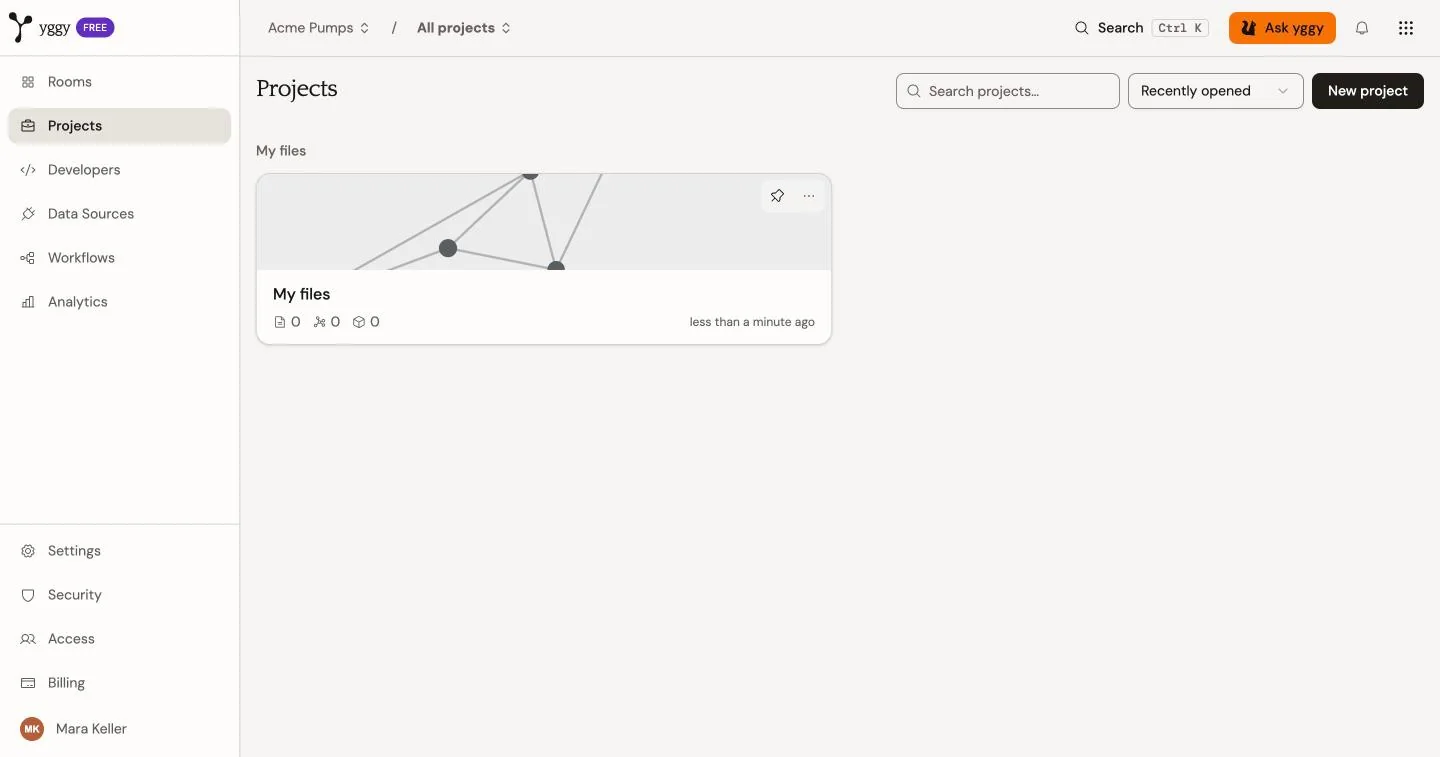
A project is a workspace inside an organization. It provides a boundary for documents, graph data, Chat, and member permissions.
Use a project when the data serves a different purpose. Keep accounting files in one project and a product catalog in another. Open the accounting project to work only with that graph. Open the product project to work only with products. Select both projects when a task needs both subspaces.
What a project scopes
Section titled “What a project scopes”- Documents are uploaded or imported into one project.
- Entities and triples carry project scope.
- Project Chat reads that project’s documents and graph.
- Project members receive Owner, Admin, Member, Viewer, or a custom role.
Organization owners and admins have implicit admin access to all projects. Other organization members need project membership.
Create and select projects
Section titled “Create and select projects”Use the project selector to change the active project. Project routes use that selection for Documents, Graph, Data Explorer, Review, and Chat.
Every organization has a default project. Create more projects when separate data, access, or work streams need clear boundaries.
Entity merges
Section titled “Entity merges”By default, a project merges obvious same-name and same-identifier duplicates after analysis. Open Settings → General and choose Review every entity merge when you want every candidate to wait in Review. Unclear cases stay in Review either way.
Example: eighteen ElbeCast Industries KG company nodes merge into the one with the most links. Two Berlin, DE nodes with different approved identities stay in Review.
Organization-wide views
Section titled “Organization-wide views”Some organization routes can show data across the projects that the current user may access. Project Chat is different: it requires one active project and does not provide a whole-organization scope toggle.