
Organization and project settings
Check the settings scope before you make a change. Organization settings affect the organization. Project settings affect only the selected project.
Organization settings
Section titled “Organization settings”Open Settings from the organization navigation.
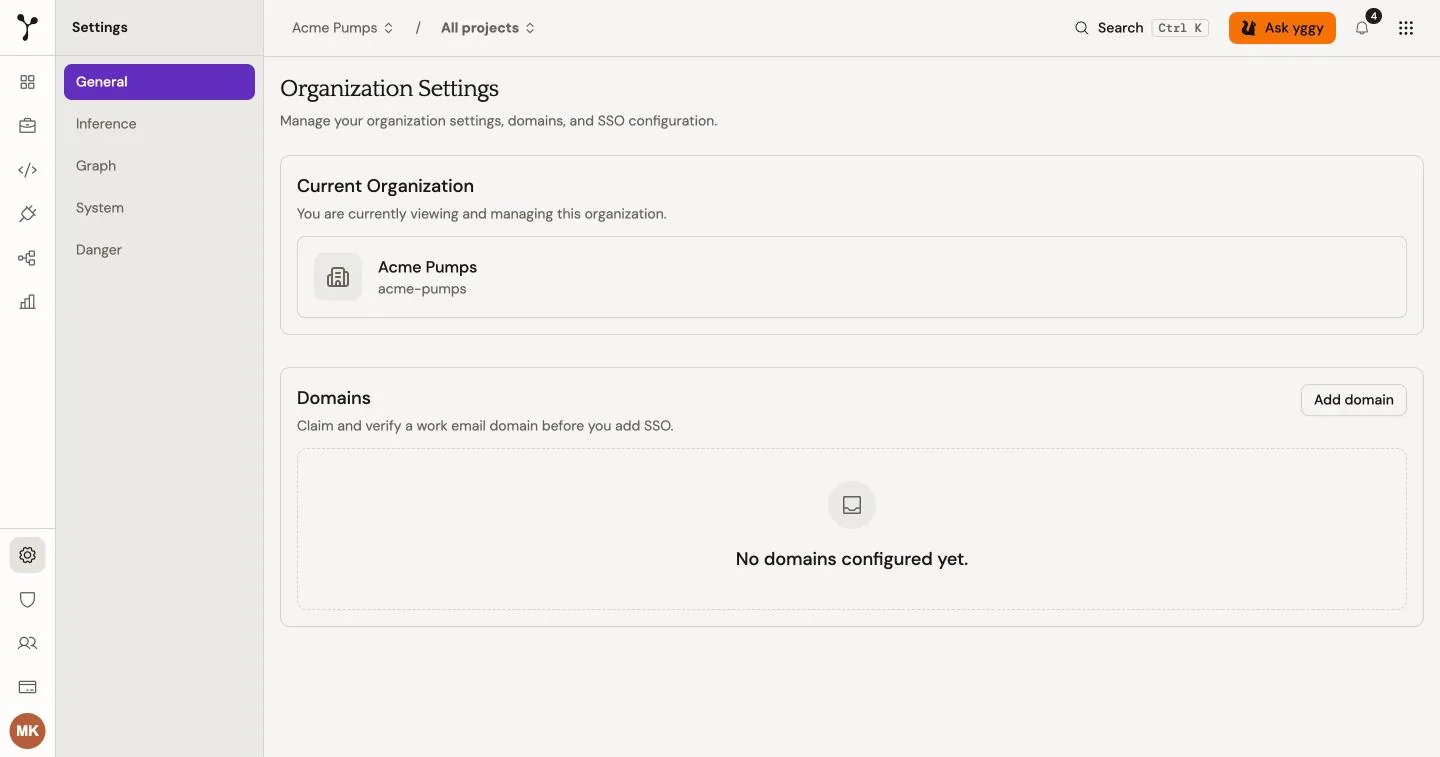
- General shows the current organization and its domains. Domain changes can be unavailable in your deployment.
- Inference controls self-hosted inference (Mímir) and consolidation passes. More passes can improve consolidation quality but take longer. This setting does not choose Structured, Text, or Mixed extraction. yggy still chooses that path from the file. See Extraction.
- Graph manages entity types. Owners and admins can search, rename, or retire eligible types.
- System shows deployed component versions for support and troubleshooting.
- Danger contains organization-wide delete and reset actions.
For example, change consolidation passes from 2 to 3 for the Quarterly reporting team. This organization-wide setting adds one consolidation pass to later processing and can increase processing time. Process one representative document and compare its result before you keep the change.
Project settings
Section titled “Project settings”Open the project switcher, select the project, and open Project settings.
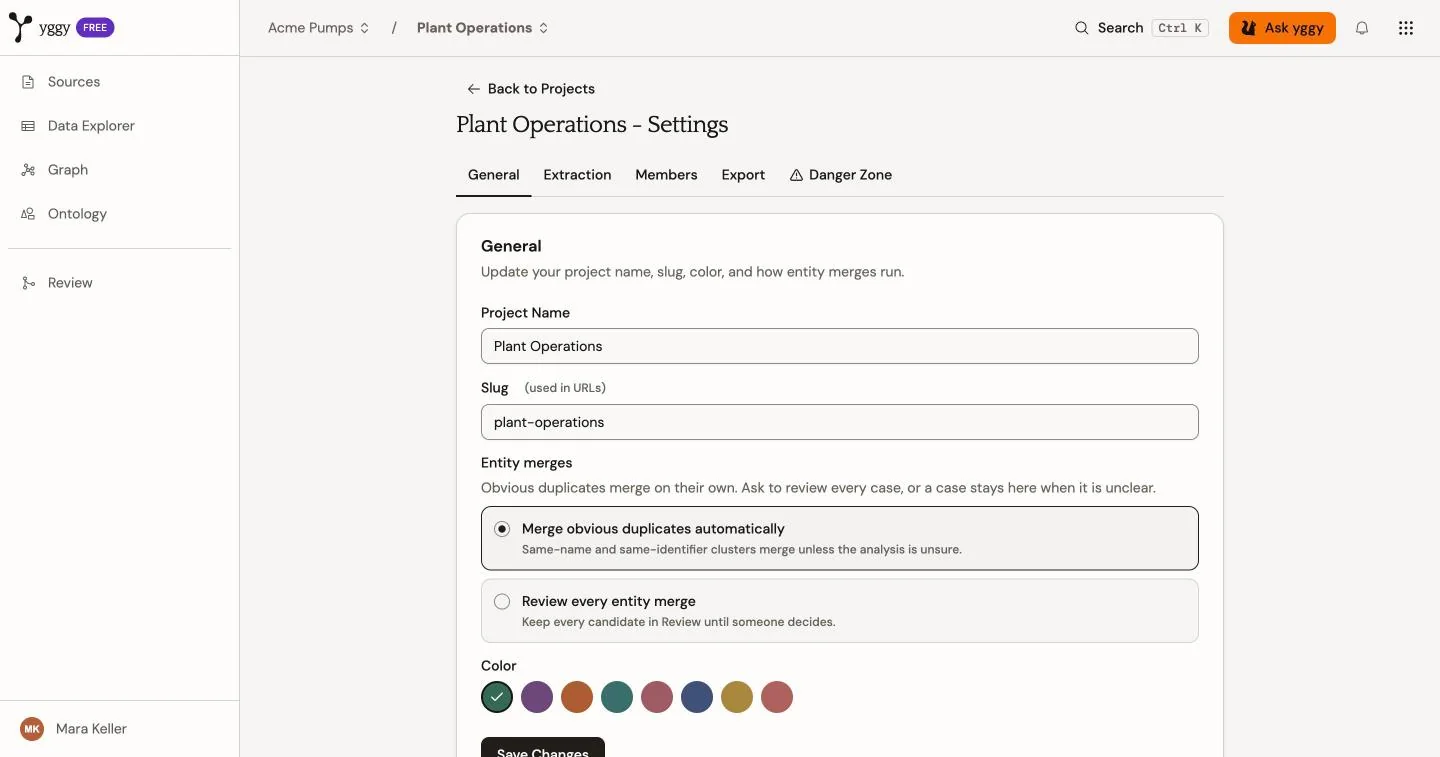
- General changes the project name, URL slug, and color, and sets Entity merges: Merge obvious duplicates automatically or Review every entity merge.
- Extraction is optional guidance: what the project is for, and what extraction should include or exclude.
- Members controls who can access the project.
- Export packages the project graph, ontology, and proposals for download.
- Danger Zone deletes the project.
Changing a slug changes the project URL. Update saved links after the change. Your role determines which controls you can use.