
Read organization analytics
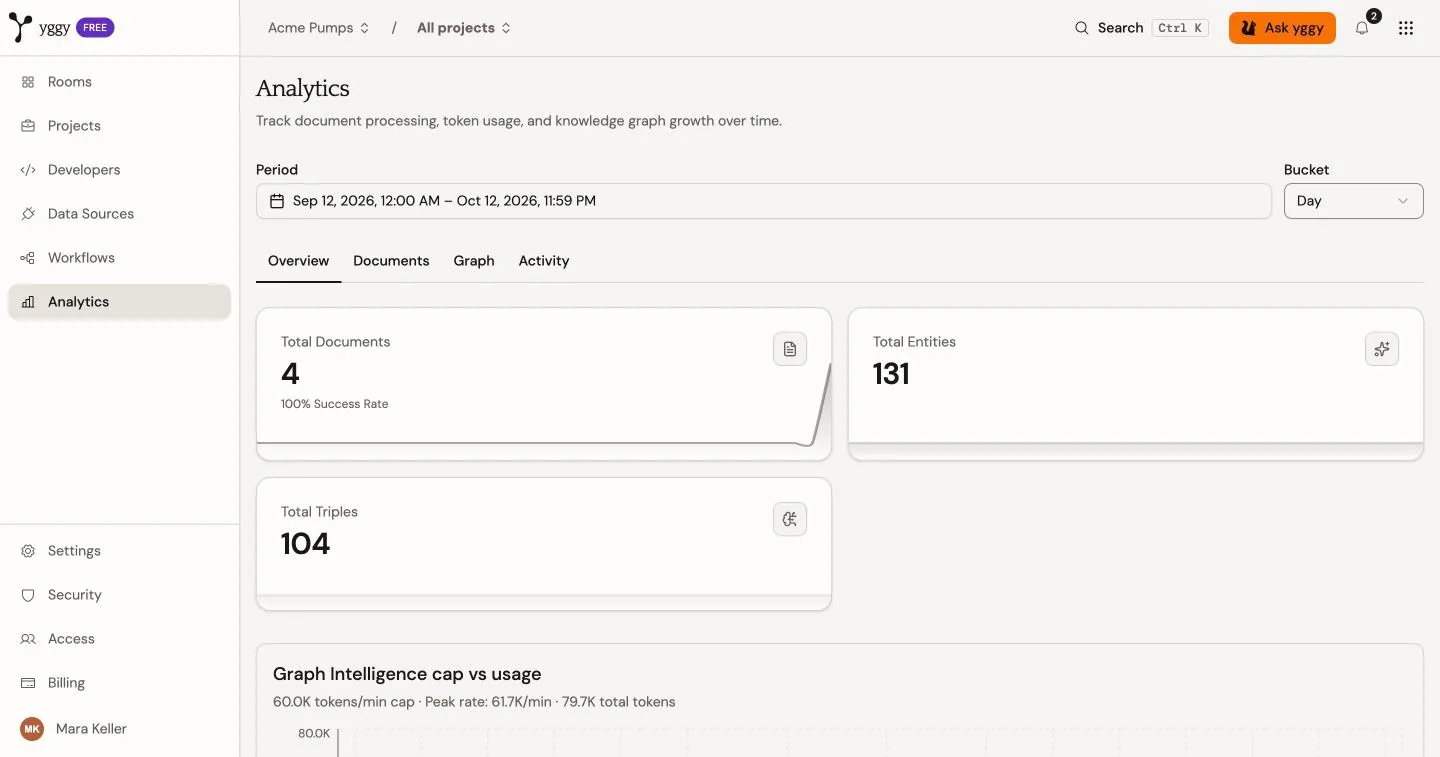
Use Analytics to review document processing and graph growth across your organization. Choose a Period and a Bucket, such as Day. The default period is the last 30 days. Use the Overview, Documents, Graph, and Activity tabs to switch views.
Review document processing
Section titled “Review document processing”Start with Total documents, Document success rate, and Average processing time. Then compare completed and failed documents over time. Use the content-type and extraction-tier charts to find the part of the workload that changed.
For example, if the failure count rises after the Quarterly reporting team uploads several PDFs, open Workflows → Failed and inspect those documents before you retry them.
Review graph growth
Section titled “Review graph growth”Compare Total entities and Total triples with their charts. A document increase without graph growth can mean that extraction failed or produced no usable graph facts.
Read a forecast
Section titled “Read a forecast”Forecasts use a dashed line and an upper and lower range. They estimate possible future activity. They are not measured results or commitments.